Where AI Helps an ERP Today
For small and mid-sized businesses, AI in an ERP is useful in three places today: reading documents such as invoices and receipts, suggesting what to reorder based on sales history, and turning reports into plain-language answers. In each case the AI prepares the work and a person approves it.
This article explains how each use works, what it costs with current API prices, what your ERP needs before AI can help, and where AI is still not ready to be trusted on its own.
Reading Invoices and Receipts
Typing supplier invoices into a system is slow and error-prone. AI can read a scanned or photographed invoice and fill in the supplier, date, line items, quantities, prices, and tax. Your team then checks the result on one screen and approves it.
There are two common ways to do this, and both are priced per use:
| Approach | Published price | Cost per invoice (1 page) |
|---|---|---|
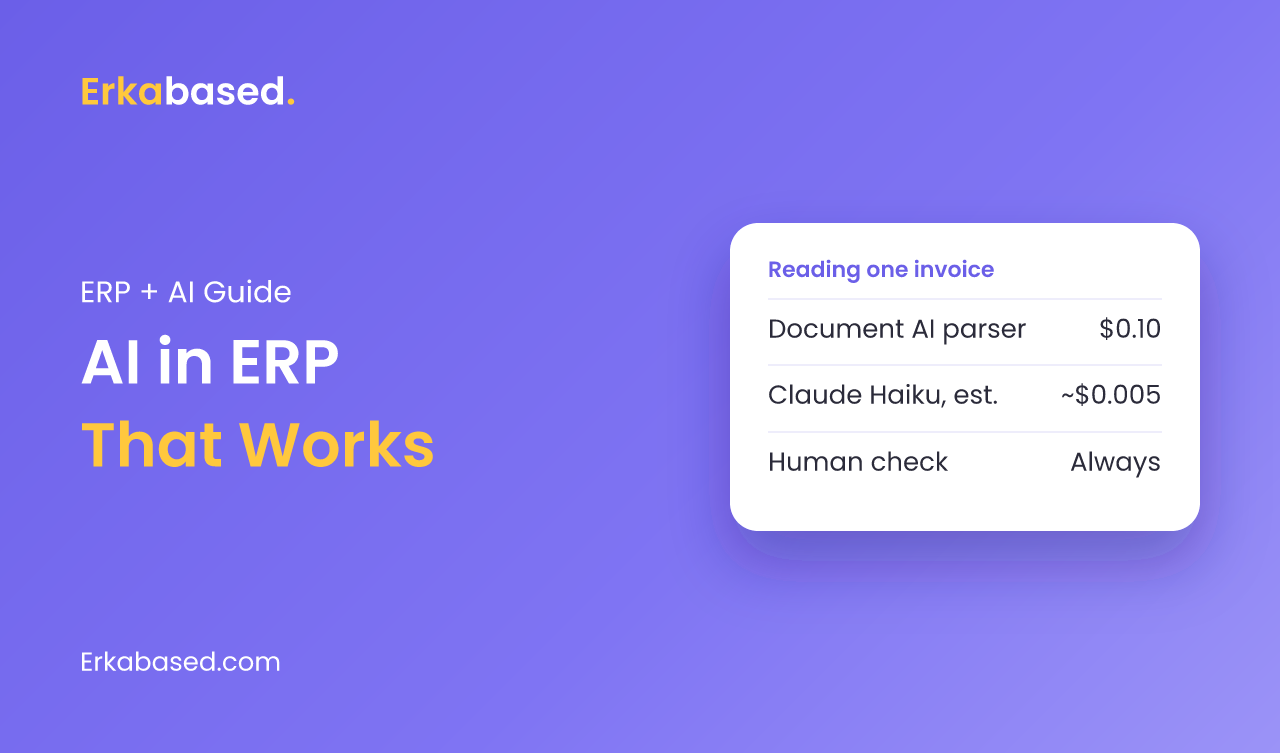
| [Google Document AI invoice parser](https://cloud.google.com/document-ai/pricing) | $0.10 per count; 1 count is up to 10 pages | $0.10 |
| [Claude Haiku 4.5](https://platform.claude.com/docs/en/about-claude/pricing) | $1 per million input tokens, $5 per million output tokens | About $0.005 (our estimate, see note) |
The Claude figure is our estimate, not a published price. It assumes one invoice image of up to 1,568 visual tokens, the maximum on the standard tier according to Anthropic's vision documentation, plus about 500 tokens of instructions and 500 tokens of structured output. At 1,000 invoices a month, that is roughly $5 with a language model, or $100 with a dedicated parser.
The dedicated parser costs more but returns a fixed invoice structure out of the box. A language model is cheaper and more flexible with unusual layouts and local formats, but needs careful instructions and validation in your code.
Keep a Person in the Loop
AI reading is fast, not infallible. Blurry photos, handwritten notes, and unusual layouts cause mistakes. A good ERP design assumes this from the start:
- Show the original document next to the extracted fields so the reviewer can compare quickly.
- Check the arithmetic automatically: line totals, tax, and grand total must add up.
- Match against what you know: the supplier must exist, and prices should be close to the last purchase.
- Flag duplicates with the same supplier, invoice number, and amount.
- Nothing posts to the books without approval.
Designed this way, AI removes most of the typing while the controls stay with your finance team. Our guide to expense management software covers the approval side in more detail.
Demand Forecasting and Reorder Suggestions
The second use is suggesting what and when to reorder. The ERP already knows sales per product per day, current stock, and supplier lead times. From that history it can estimate demand for the coming weeks and suggest a purchase order before stock runs out.
Start Simple
- Begin with sales history by product and week, adjusted for obvious seasonal patterns such as holidays or month-end.
- Compare every forecast with a simple baseline, such as "same as the same week last year". If the clever model does not beat it, use the baseline.
- Show suggestions, not automatic orders, with the reason: "sold 40 per week, 60 in stock, supplier needs 2 weeks".
- Measure the error every month and review products the forecast keeps getting wrong.
Reports in Plain Language
The third use is answering questions about your own data: "Which products lost margin this month?" or "Which customers are late on payment?" Demand for this is real. According to Panorama Consulting Group's 2026 ERP Report, business intelligence was the most significantly deployed digital initiative, reported by 55.3% of organizations.
The safe pattern is for the AI to turn a question into a query against the ERP database, run it with the user's permissions, and show both the answer and the numbers behind it. The AI summarizes; the database remains the source of truth.
What AI Needs From Your ERP
| Requirement | Why it matters |
|---|---|
| Clean master data | Duplicate products or suppliers confuse matching and forecasts |
| At least a year of transaction history | Forecasts need to see seasons and trends |
| Structured records in a database | AI works best on data it can query, not scattered files |
| Roles and permissions | The AI must see only what the user is allowed to see |
| An audit trail | You need to know what the AI suggested and who approved it |
| APIs to outside services | Document reading and language models are called as external services |
If these are new concepts, our explainers on databases and APIs are a good starting point.
Where AI Is Not Ready
- Posting journal entries without review. Mistakes in the books are expensive to find later.
- Placing purchase orders on its own. Suppliers, cash flow, and promotions involve judgment the data does not show.
- Replacing a messy process. AI speeds up a clear process; it does not fix an unclear one.
- Anything regulated where you cannot explain how a decision was made.
Conclusion
AI in an ERP is practical today when it prepares work for people: reading invoices, suggesting reorders, and answering questions in plain language. The cost of the AI itself is often small, a few dollars to around a hundred dollars a month for a thousand invoices at current prices. The real work is in the foundations: clean data, clear approvals, and an audit trail. Build those first, and AI features become a straightforward addition.
Read next: moving from spreadsheets to an ERP and custom ERP vs Odoo.
Sources
- Document AI pricing — Google Cloud, checked 19 September 2026
- Claude API pricing — Anthropic, checked 19 September 2026
- Vision: image sizes and token costs — Anthropic, checked 19 September 2026
- Panorama Consulting Group Releases Latest Study of ERP Implementation Outcomes — Panorama Consulting Group, 4 March 2026
Frequently Asked Questions
How is AI used in ERP systems?
For small and mid-sized businesses, AI in ERP is most useful for reading documents such as invoices and receipts, suggesting reorders based on sales history, and answering questions about business data in plain language. In each case the AI prepares the work and a person approves it.
How much does AI invoice reading cost?
Google's Document AI invoice parser is priced at $0.10 per document of up to 10 pages. Using a language model such as Claude Haiku 4.5, priced at $1 per million input tokens and $5 per million output tokens, costs roughly half a cent per one-page invoice by our estimate. Prices were checked on 19 September 2026.
Can AI forecast inventory demand for a small business?
Yes, if the ERP has reliable stock data and at least a year of sales history. Start with simple forecasts by product and week, compare them with a baseline such as the same week last year, and show reorder suggestions for people to approve rather than placing orders automatically.
Is AI accurate enough to enter invoices automatically?
Not without review. Blurry photos and unusual layouts cause errors, so a good design shows the original next to the extracted data, checks totals automatically, flags duplicates, and requires approval before anything is posted to the books.
What does an ERP need before adding AI features?
An ERP needs clean master data, a meaningful transaction history, structured records in a database, roles and permissions, an audit trail, and API connections to the AI services. Without these, AI features produce unreliable results.
At Erkabased, we build custom ERP systems with AI features such as reading invoices, forecasting demand, and summarizing reports, always with a review step your team controls. A first release typically takes 4-12 weeks, and you own the code. See examples on our showcase page, read about our services, or contact us to discuss where AI would save your team the most time.